

Reference

The gameodds App Experience on Your Phone

gameodds runs through a mobile-optimized browser that loads the full lobby — slots, live dealer tables, and NFL sportsbook — without a native install required. Access depends on state law and is available where local law permits.

mobile browser accessaccount wallet on-the-golive lobby on any screenavailability by eligible statereturning-user fast login
gameodds The gameodds App Experience on Your Phone

Checking Your Device Before You Play

The mobile layout adapts to most modern smartphones and tablets, but a few account and browser conditions affect how the lobby renders. Run through this checklist before your first mobile session.

Browser versionKeep Chrome or Safari updated. Older browser builds may drop live-stream frames on Evolution-powered tables or Pragmatic Play slots.
Screen layoutLandscape mode gives the betslip more room on sportsbook pages; portrait works well for slots like Gates of Olympus and Corner Diner Bingo.
Account statusFull lobby access requires a verified account. Identity verification is completed in the account settings section before withdrawals or live tables unlock.
State eligibilityThe platform is available where local law permits. Check the eligibility page in your account to confirm your state is currently supported.
Connection qualityLive dealer tables from Evolution stream at higher bandwidth. A stable Wi-Fi or LTE connection keeps the video from dropping during a live baccarat shoe.

Four Things the App Does for Returning Users

Every feature below is built around the returning-user flow — fast sign-in, uninterrupted sessions, and account visibility without extra taps.

Biometric Login

Fingerprint or face unlock gets you past the sign-in screen in under two seconds. No typing a password between quarters of an NFL game.

Push Notifications

Opt in to get alerts when your bet settles, a parlay leg hits, or a live dealer table you follow has an open seat again.

Dark Mode Display

The interface switches to dark mode automatically based on your device setting, which cuts glare during late-night slots sessions from the couch.

Quick Deposit Tap

A shortcut in the account wallet lets you add funds without leaving your current game screen — useful mid-session when your balance runs low.

gameodds What the gameodds Mobile Experience Delivers

What the gameodds Mobile Experience Delivers

Open gameodds on your phone and the lobby lands fast — Touchdown Treasure and Coast to Coast Rush load in the same session where you left off on desktop. Push notifications can flag when your NFL same-game parlay settles or when a live dealer seat opens at Double Ball Baccarat. Quick-deposit shortcut lets you top up your account wallet in a few

taps without navigating away from the game. Fingerprint login keeps the sign-in screen out of your way on returning visits, so halftime action stays halftime action, not a password hunt
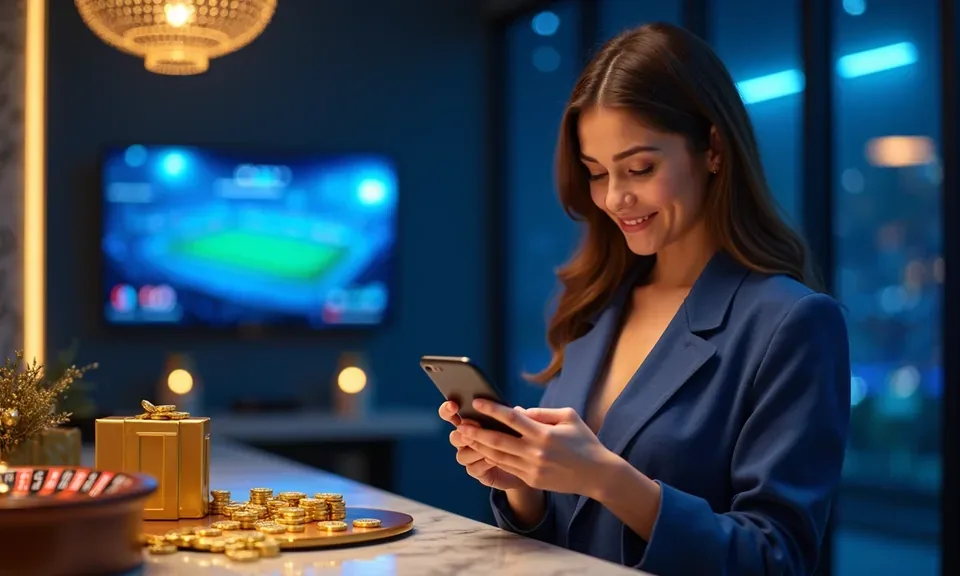
gameodds Mobile Access in 3 Steps

Mobile Access in 3 Steps

No app store download is required to reach the gameodds lobby on your phone. Players in New York and other eligible states can follow these steps to get a full mobile session running. First, open gameodds in your mobile browser — Chrome on Android and Safari on iOS both render the full lobby without a separate install. Second, check that your browser

is current; an outdated version may cause layout issues on live dealer tables like Double Ball Baccarat or the Tennis Odds Board. Third, sign in with your account credentials or use biometric unlock on a returning visit, and the wallet, betslip, and game lobby are all one tap away.

  • Open the site — Navigate to gameodds in your phone's browser — no download prompt, no app store step.
  • Check browser compatibility — Run a current version of Chrome or Safari for the smoothest live-table and slots rendering.
  • Sign in securely — Use your account credentials or enable biometric unlock for faster re-entry on future visits.
  • Verify state eligibility — Access depends on state law — confirm your state is among eligible states before depositing.

Frequently Asked Questions About the gameodds App

Real questions from accounts like yours — answered specifically for the mobile access flow on gameodds.

No download is required. The full lobby — slots, live dealer, and sportsbook — runs in your mobile browser at gameodds without a separate install.

Yes. Once you sign in through your mobile browser, you can enable biometric unlock in account settings so future sign-ins use fingerprint or face recognition instead of a password.

Your account state — wallet balance, open bets, and game history — stays current across devices. Sign in on desktop and you'll pick up where your mobile session left off.

Tap the wallet icon from any screen in the mobile lobby, choose your method, and confirm the amount. The account wallet updates before you return to the game.

Push alerts for bet settlements and live-table seat availability can be turned on in your account notification settings. Your browser will prompt you to allow them on first login.

Current versions of Chrome on Android and Safari on iOS work consistently. Keep your browser updated to avoid layout issues on live dealer streams or Pragmatic Play slots.
Reference

gameodds App

Service availability depends on eligible states and local law. US online casino and sportsbook access is licensed state by state, so check your state's rules before opening an account. 21+ where applicable.

Access may be available only in states where local law permits.